Animated.studio
Appearance
Sign inGet started
Preparing your motion previews…

Private betaThe AI motion engine

Your ideas. In motion.

Motion graphics for any video. Drop in a lecture, demo, explainer or talking-head recording and Animated Studio animates every idea you explain, beside you, behind you or full frame, timed to the word.
New Preview
New Preview
Untitled
Untitled
E2E Excerpt
E2E Excerpt
Editorial Tech
Editorial Tech
Launch Reel
Launch Reel
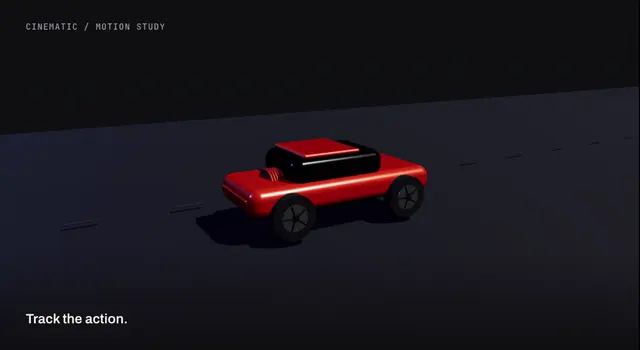
Cinematic
Cinematic
Story 3D
Story 3D
Story Flat
Story Flat
Crayon Sketch
Crayon Sketch
Whiteboard Sketch
Whiteboard Sketch
Explainer
Explainer
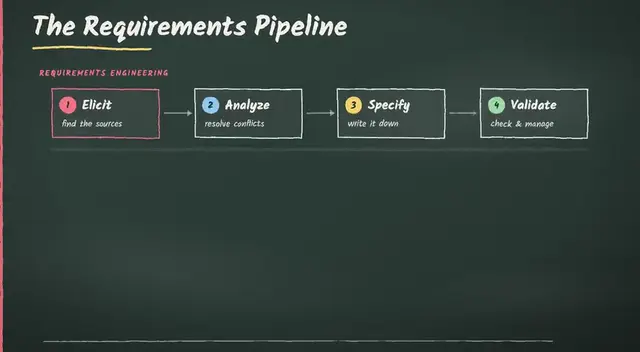
Chalkboard
Chalkboard
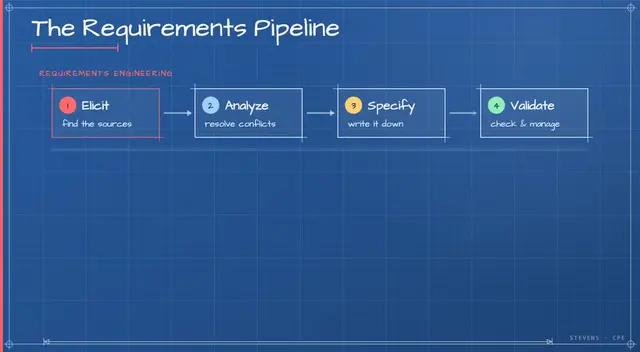
Blueprint
Blueprint
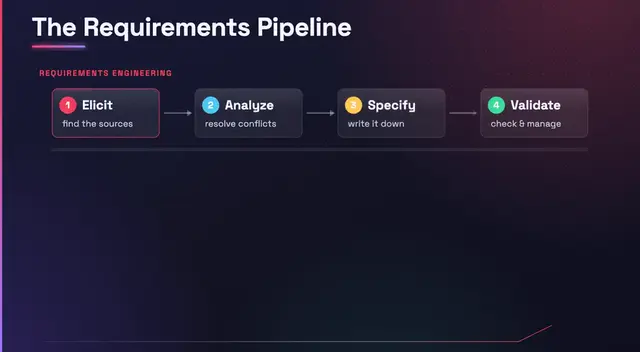
Midnight Glow
Midnight Glow
Paper Cutout
Paper Cutout
Stevens Classic
Stevens Classic

The problem

People stop watching
talking heads.

Motion graphics keep people watching, but they take a designer, an animation timeline and days of work. So most recordings ship without them. Animated Studio gives every recording that design pass.

REC
Your recordingWith Animated Studio
  • Timed to the wordScenes land exactly when you say the idea.
  • Minutes, not daysNo keyframes, no timeline from scratch.
  • Still your videoYour footage, your voice, your call on every frame.

Layouts

Behind you.
Beside you. Full frame.

Animated Studio cuts you out of your recording automatically, so graphics can sit behind you like a set, beside you like slides, or take over the screen. Pick a layout per scene.

Layout · Behind you

You're cut out of the frame automatically, so the motion plays behind you like a set.

How it works

From talking head
to motion story.

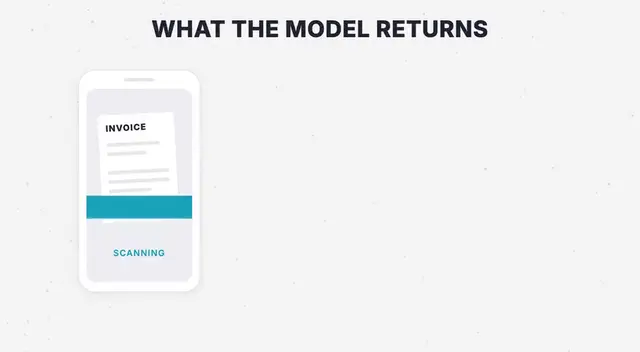
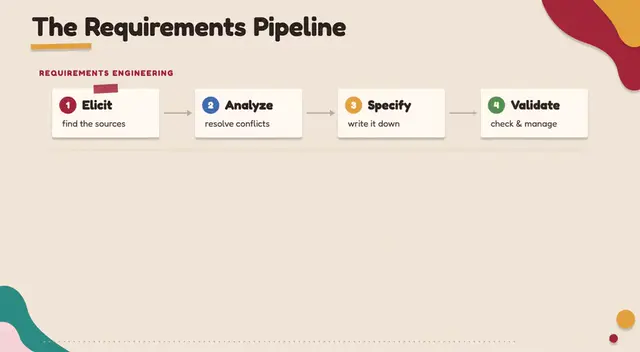
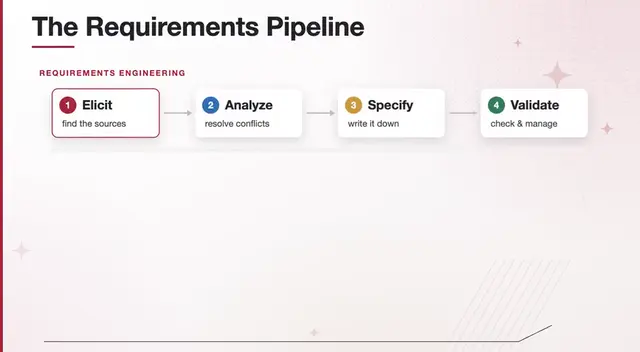
Animated Studio does the motion-design pass for you. It reads what you say, decides what to show, and animates it beside you, timed to the word.

Synthesia vs HeyGen: DeliveryImportingVersions 4Export
Drop a recordingMP4, MOV or WebM
UploadRiversideSynthesia
synthesia-vs-heygen.mp4Imported from Synthesia · 1080p
✓

The editor

AI does the first cut.
You keep the final say.

Every scene stays editable. These are real recordings from the Animated Studio editor.

Layouts

Put the focus where it belongs.

Switch between full-frame graphics, presenter views and side-by-side layouts right on the timeline.

Styles

One idea. Any look.

Preview colour treatments on the same scene and see the change in context.

Auto sound

Motion you can hear.

Sound cues land on every animation. Pick a kit, or swap any cue on the timeline.

MCP

Your assistant can edit too.

Connect Claude or any MCP client. Prompts become real edits on the Animated Studio timeline.

Claude via MCP

Split the lecture clip at 00:40 and add a title card.

⚙studio.split_clip at: 40.0

⚙studio.add_scene “Part two”

00:3000:4000:50
Style Lab

Bring a reference. Keep the style.

Turn any motion reference into a reusable style for every video that follows.

Reel · 9:16
Violet Ribbon · reusable style, 1920×1080

Under the hood

Every scene is checked
before you see it.

Animated Studio isn’t one prompt. It’s an agent loop that writes, renders, looks and critiques, so the first cut is already worth keeping.

Revise until it passesRevision 1
  • Frame-accurateEvery scene is a pure function of time, so you can scrub any frame.
  • Two render enginesComposed SVG panels and kinetic, theme-driven DOM motion.
  • Export what you needMP4 at full source quality, the whole story or just one section.

Bring your own AI

Runs on the AI you already pay for.

Same editor, same styles and the same timeline, whichever engine writes your scenes.

  • Your Claude planSign in with Claude and the scenes run on the plan you already have.01
  • Your ChatGPT planPrefer OpenAI? Connect ChatGPT and keep working the same way.02
  • Animated Studio planNo other account needed. Everything included, ready to go.03

Made with Animated Studio

One engine.
Every kind of story.

Real scenes rendered by Animated Studio. Pick a style below, or build your own in Style Lab.

Editorial TechModern

Who it's for

For anyone who
explains things on camera.

Turn lectures into visual lessons students actually rewatch.

  • Course modules
  • Flipped-classroom clips
  • Exam recaps

FAQ

Before your
first frame.

Motion-graphics scenes that sit beside, behind or instead of your presenter, timed to what you say. You get an editable project and an MP4.

Get started

Make the video
only you could make.

Create your account and turn your next recording into a motion story.